CDB-BMA · 3 levels
BIM Architecture Modeller
Design and document buildings as a digital model: plans, sections, schedules, visuals.
Package · CAD&BIM Academy
BIM career tracks and software courses, designed and taught by practising BIM engineers. Choose your level and format: in class in Douala, live online or on-demand video.

Course builder
Every course comes in three levels and several formats. Make your choices: you get the course code and can book your seat on WhatsApp in one click.
1Which course?
BIM career tracks
Software courses
2Which level?
3Which format?
Your course
CDB-···-···
Select a course, a level and a format.
Prices and next dates are sent in reply to your request.
Career tracks
Role-based courses prepare you for a specific job and use that role's software, which you can study further on its own.
CDB-BMA · 3 levels
Design and document buildings as a digital model: plans, sections, schedules, visuals.
CDB-BMS · 3 levels
Model concrete or steel frames, prepare the analysis model and produce structural drawings.
CDB-BMM · 3 levels
Model HVAC, plumbing and electrical networks and coordinate them with the building.
CDB-BMI · 3 levels
From survey to design: terrain, platforms, roads, networks and earthwork quantities.
CDB-BCO · 3 levels
Federate models, detect clashes and run project coordination meetings.
CDB-BMG · 3 levels
Lead BIM delivery: BEP, information requirements, ISO 19650 processes, deliverable quality.
Software courses
Eleven software courses, taken alone or alongside a career track, each at Beginner, Intermediate or Expert level.
BIM building modelling, documentation and schedules.
2D/3D technical drawing and construction drawings.
Surfaces, alignments, profiles, platforms, networks, earthworks.
Preliminary design and visualisation of infrastructure.
Steel detailing and shop drawings.
Photorealistic renders and animations.
Survey, earthworks, utilities and road design.
Architectural BIM modelling.
Structural analysis and design, linked to Revit.
Model review, clash detection, 4D.
Cloud collaboration and common data environment.
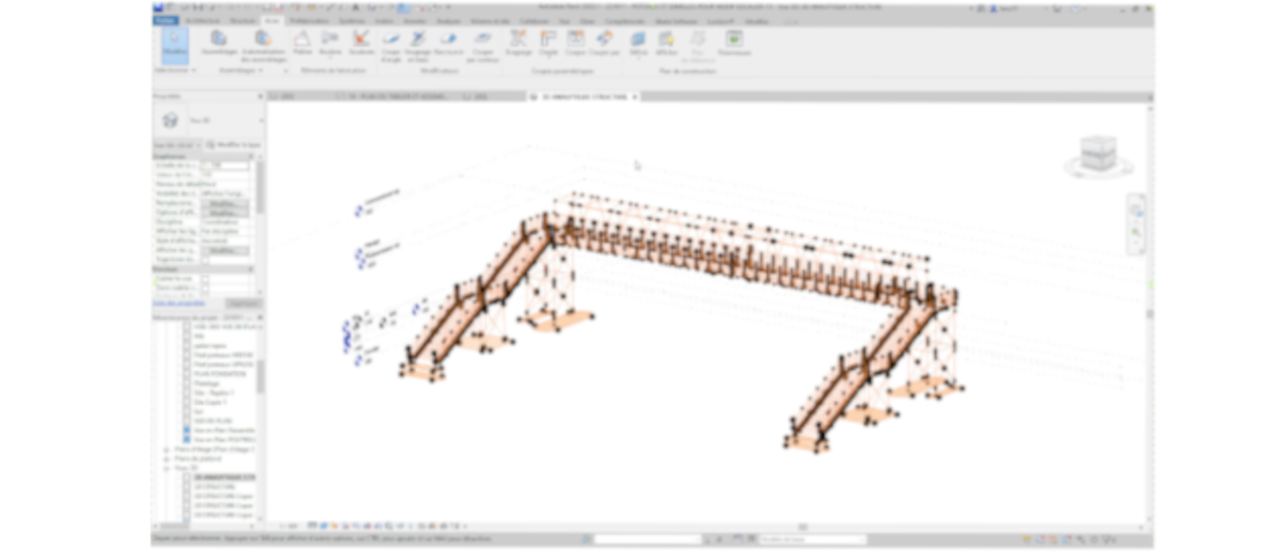
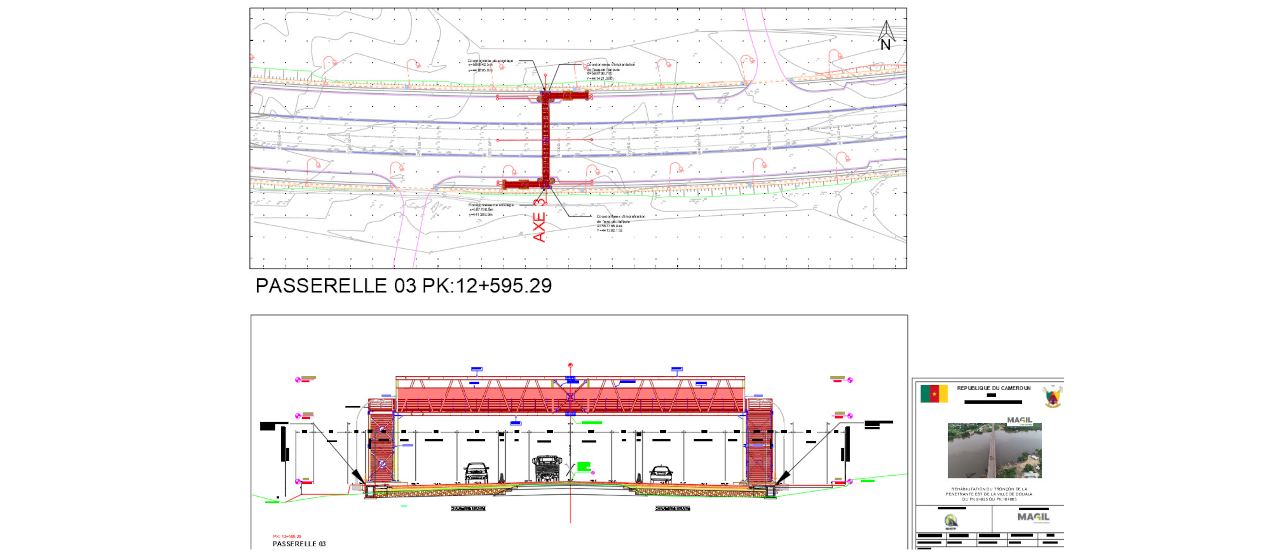
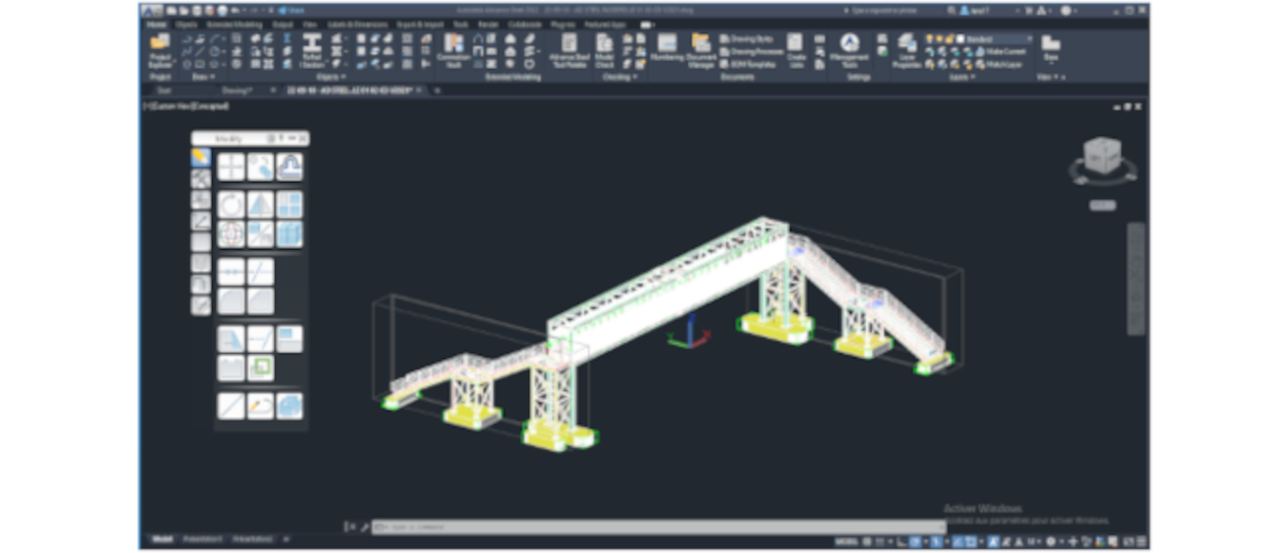
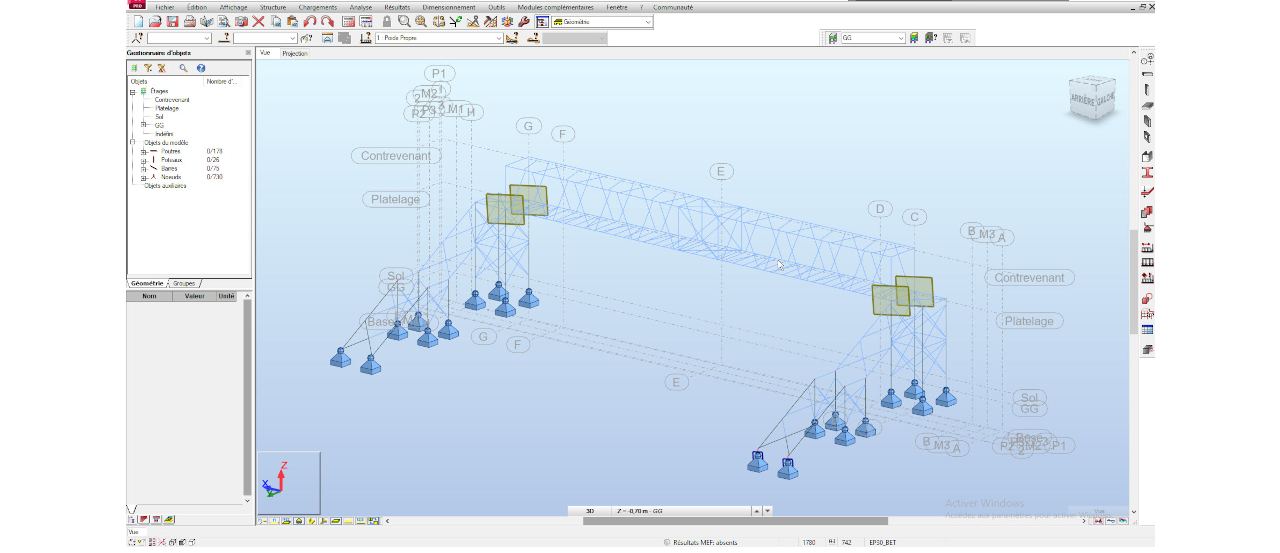
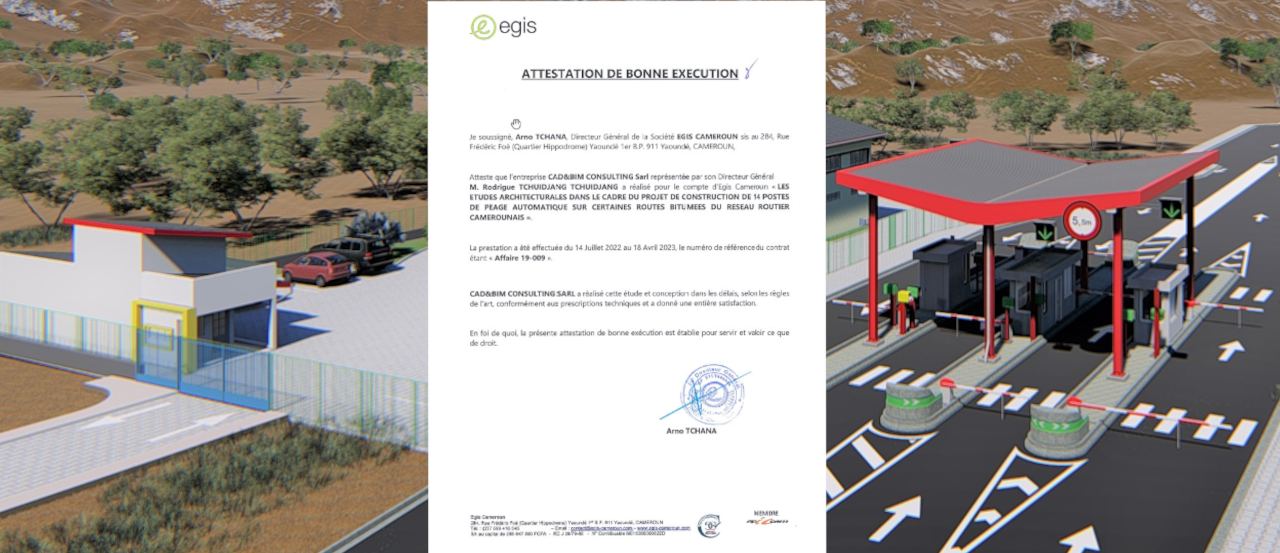
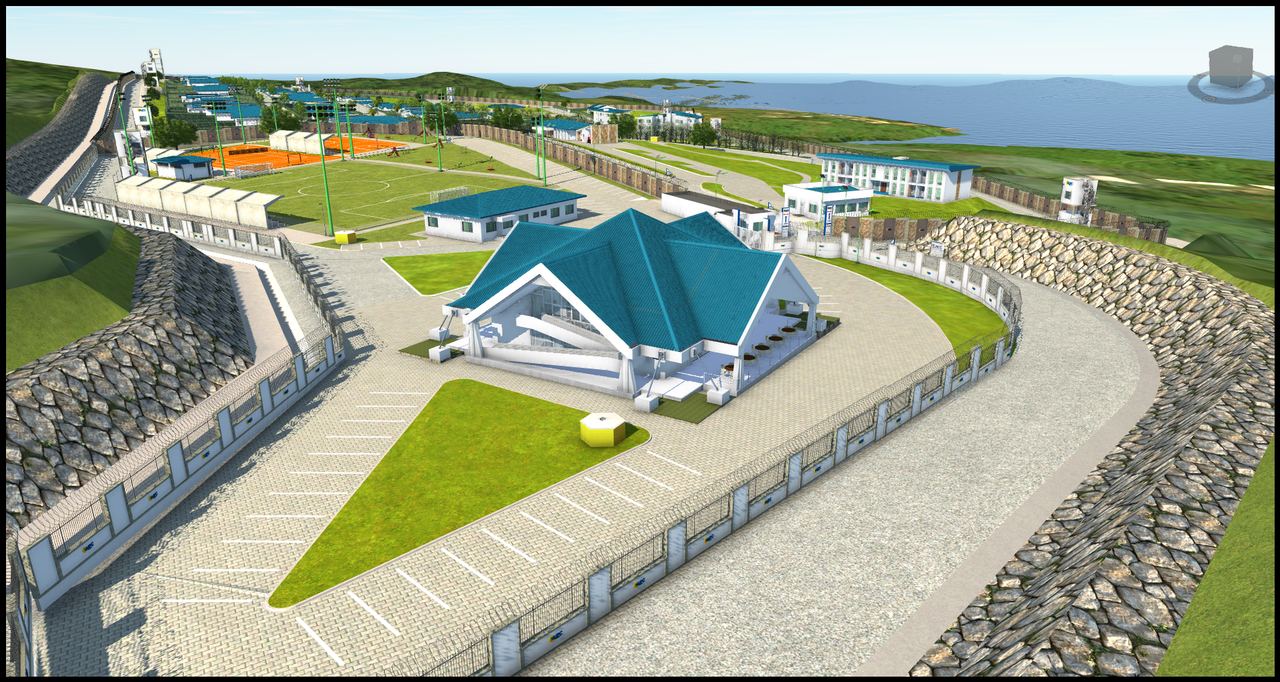
Extracts from CAD&BIM Consulting projects: our course exercises come from this kind of work.
Levels
You choose your level when you enrol. If you are unsure, we help you find the right level before you start.
codes -DEB
codes -INT
codes -EXP
Formats
Same syllabus, same assessment, same certificate, whatever the format.
At our Douala – Entrée Billet premises, in small groups, on real cases.
Live virtual classes with the same syllabus and follow-up as in class.
Part in class, part online, to fit training around your job.
On-demand videos for a set access period, at a preferential price.
Your teams, your projects, your tools: tailored programme on your premises or remotely.
Who it's for
Students and graduates
Your need: an in-demand skill and a document that proves it.
Our answer: Beginner software courses, then a BIM Modeller track; payment in instalments.
Suggested format: On-site or recorded pack
Working professionals
Your need: learn at your own pace and deepen your practice.
Our answer: Intermediate and Expert levels, BIM Coordinator or BIM Manager tracks.
Suggested format: Live online, hybrid or pack
Companies and design offices
Your need: meet the BIM requirements of projects and tenders.
Our answer: in-company training on your projects and tools, tailored quote.
Suggested format: In-company
Institutions and agencies
Your need: build the skills of staff or students.
Our answer: programme adapted by level, attendance tracking and results report.
Suggested format: Dedicated sessions or packs
On video
How it works
I choose my course, level and format. I receive a personal learner ID.
A deposit, then instalments up to the balance. Each payment gets a numbered receipt.
Lessons, practical work and assessments. My attendance, or progress for a pack, is tracked.
Numbered certificate of attendance or competence, with final grade and distinction.
References
FAQ
Beginner if the tool or role is new to you, Intermediate if you already use it, Expert if you want to optimise, standardise or lead a team. If unsure, we help you choose before you enrol.
Yes. You pay a deposit when you enrol, then instalments up to the balance, in cash, Orange Money, MTN Mobile Money, bank transfer or cheque. Every payment gets a numbered receipt.
Yes, on the same terms as in class: at least 80% attendance (or progress for a pack), a final grade of at least 10/20 for the completion and competence certificates, and the course fully paid.
A pack bundles one or more video courses at a preferential price. Access starts on the activation date and lasts for the pack's access period; your progress is tracked and live coaching can be added.
Yes. We run in-company sessions on your premises or remotely, built around your projects and tools, with a tailored quote.
They depend on the course, level and format. Current prices and next dates are sent in reply to your request, on WhatsApp or by e-mail.
Enrolment and quotes
Send your request: it opens pre-filled in WhatsApp. We reply with the syllabus, prices and next dates.
Fields marked * are required.